Click-through mode
Toggle drawing and pointer modes from the toolbar or with Ctrl+Shift+X. Annotations remain visible while clicks, scrolls, and typing go to the app underneath.
 MarkerOn
Open source / Tauri v2 / around 1.5 MB
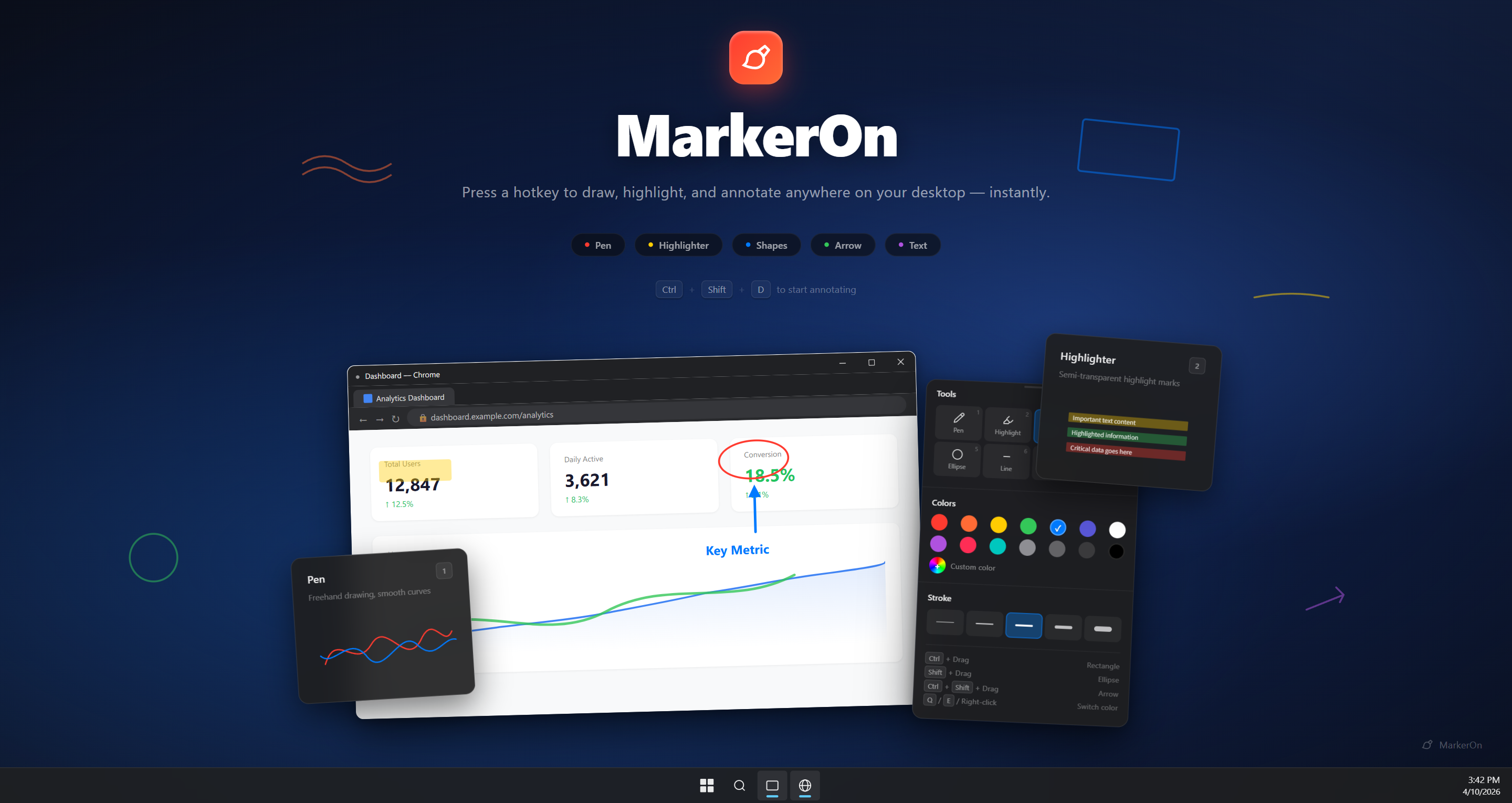
A keyboard-first screen annotation tool for demos, teaching, meetings, and recordings. Draw over any app, then switch to click-through mode while your marks stay visible.
Built for live explanation
Toggle drawing and pointer modes from the toolbar or with Ctrl+Shift+X. Annotations remain visible while clicks, scrolls, and typing go to the app underneath.
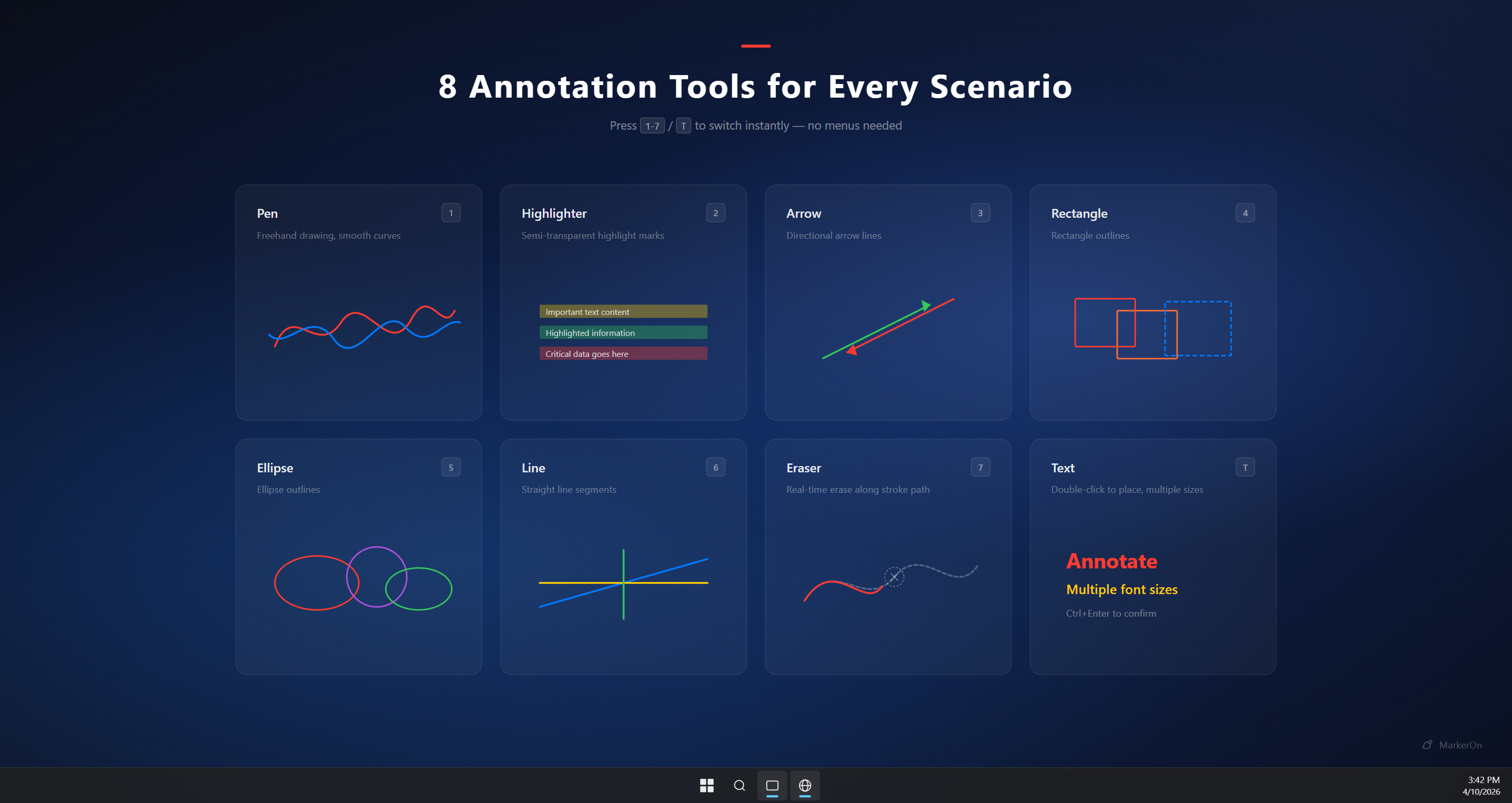
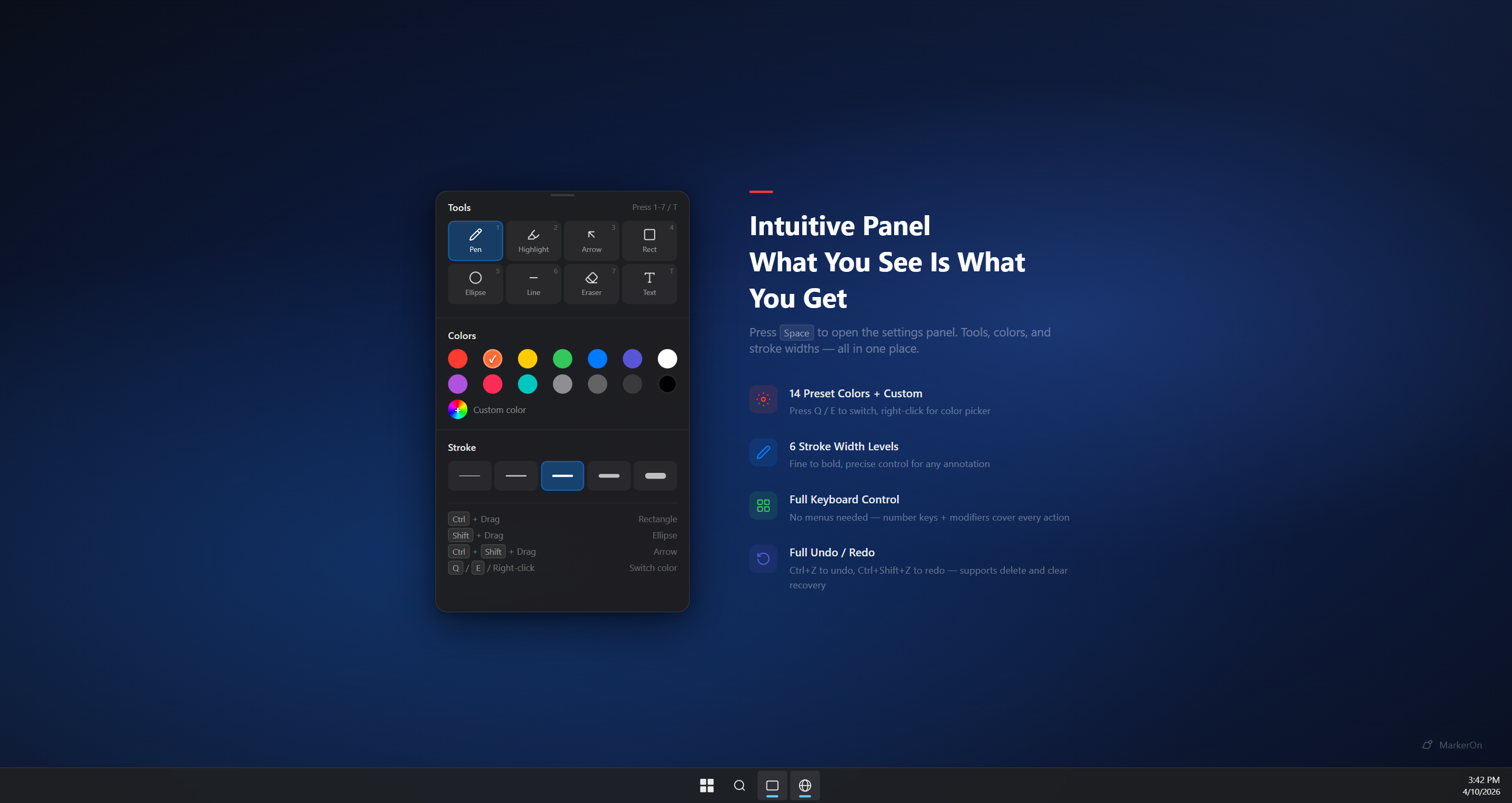
Switch tools with number keys, adjust width with Ctrl+scroll, cycle colors with Q/E, and clear or copy without opening menus.
Press W for a clean whiteboard, keep content between sessions, and copy the result as an image for docs, chats, and notes.
Product surface
MarkerOn keeps its controls compact and readable, so the audience sees your explanation first and the tool second.
Official downloads
Third-party reposts may lag behind or repackage old installers. Use GitHub Releases or Microsoft Store for the latest version and update path.
Common questions
MarkerOn focuses on fast annotation, keyboard control, and click-through drawing. It works well alongside Windows Magnifier if you need zoom during a presentation.
Yes. v1.0 adds click-through mode, so annotations stay visible while you use the apps below, then switch back to drawing whenever needed.
No. MarkerOn is local-first, open source, and does not require an account. Annotation content stays on your machine.